
Compress PDF to 100KB.
Free. Offline. Private.
Patla PDF is a Chrome extension that shrinks PDFs to the exact size a form asks for, merges and splits PDFs, and resizes photos and signatures to 20–50KB — without uploading a single file.
Add to Chrome — it’s free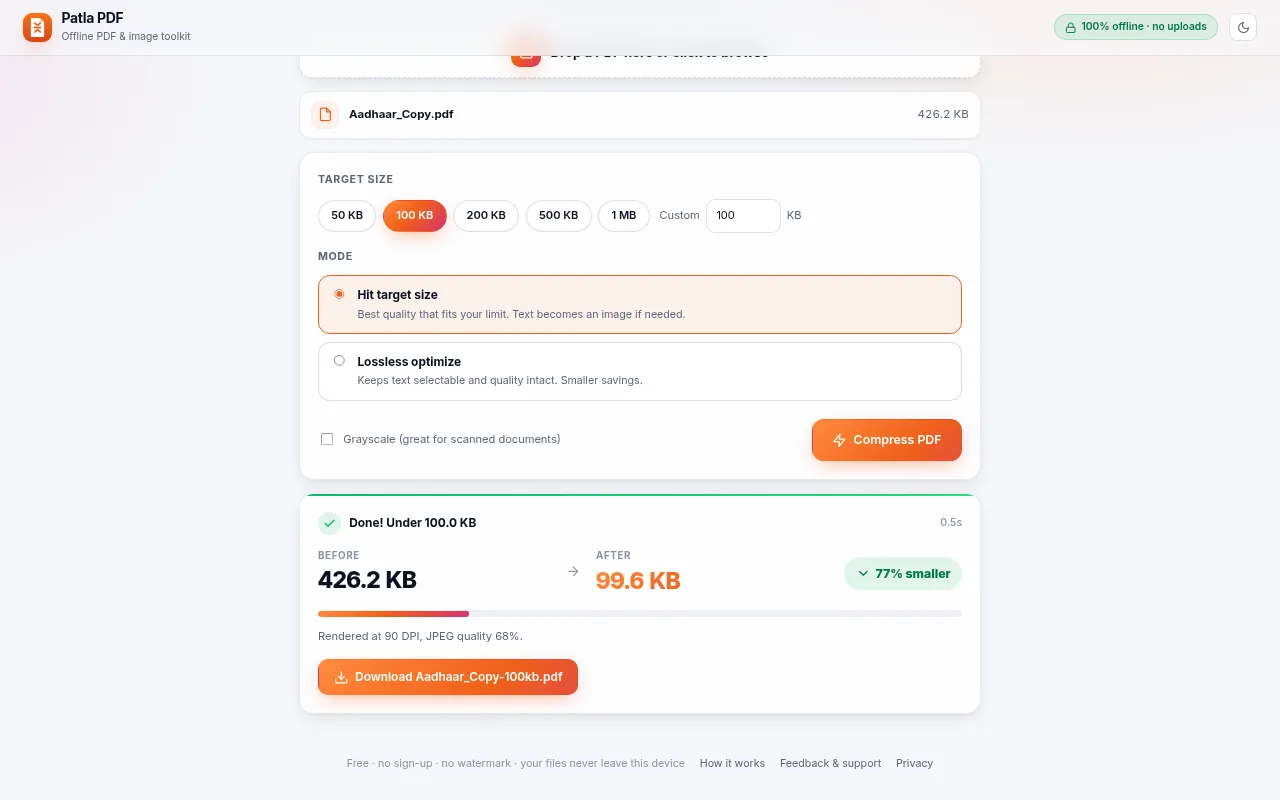
Everything you need for online forms
Compress PDF to any size
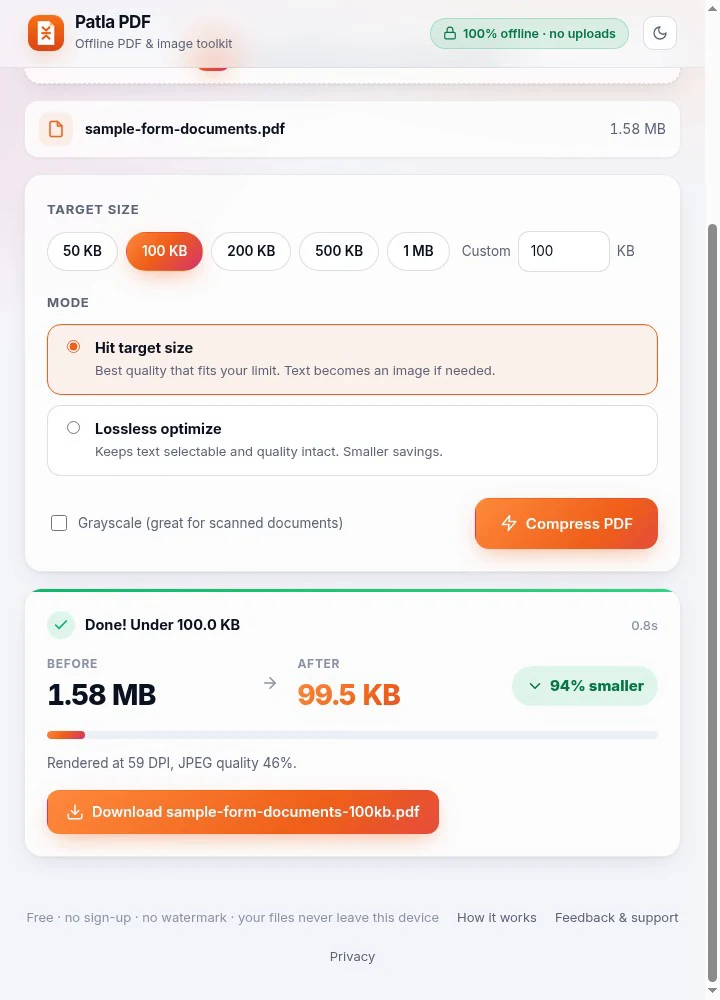
Choose 50KB, 100KB, 200KB, 500KB, 1MB or type your own limit. Patla PDF finds the best quality that fits — ideal for job, exam and government form uploads.
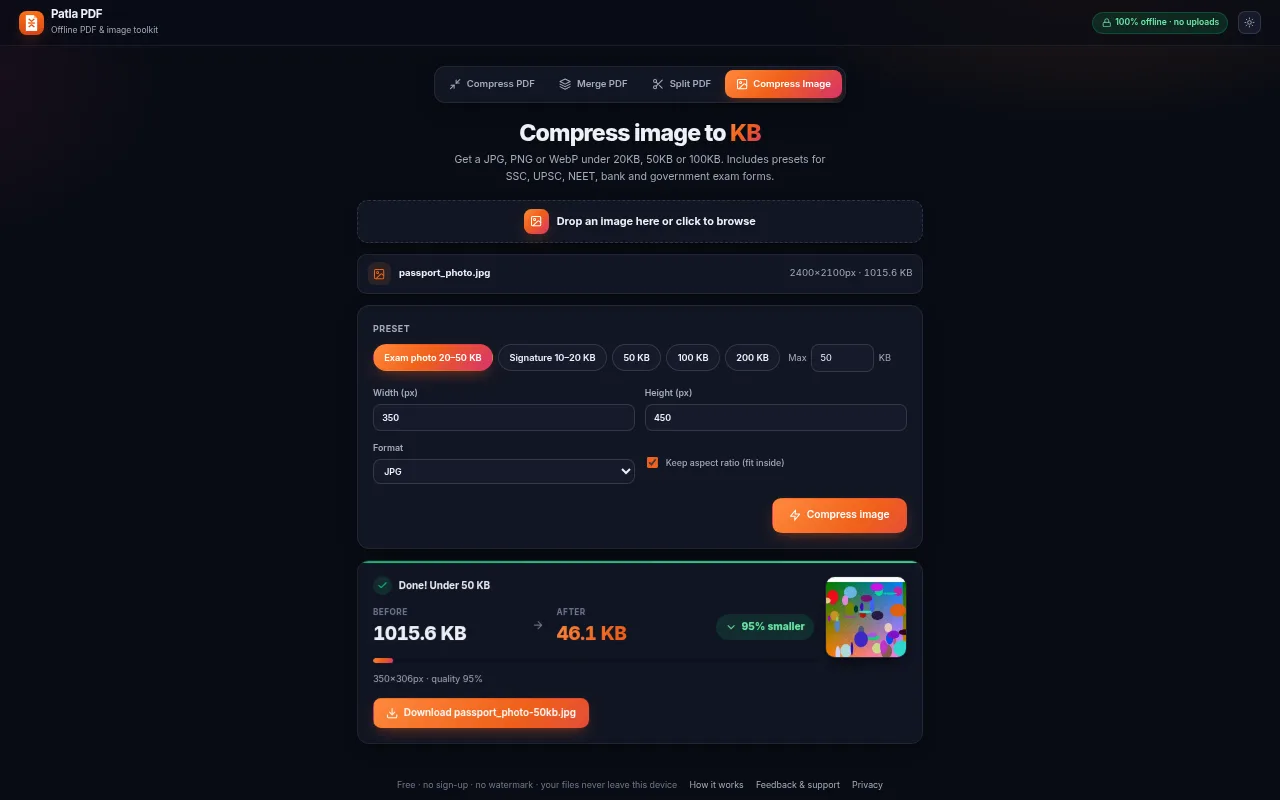
Photo & signature to 20–50KB
Presets for exam photos (20–50KB) and signatures (10–20KB), with exact pixel width and height when a form asks for it.
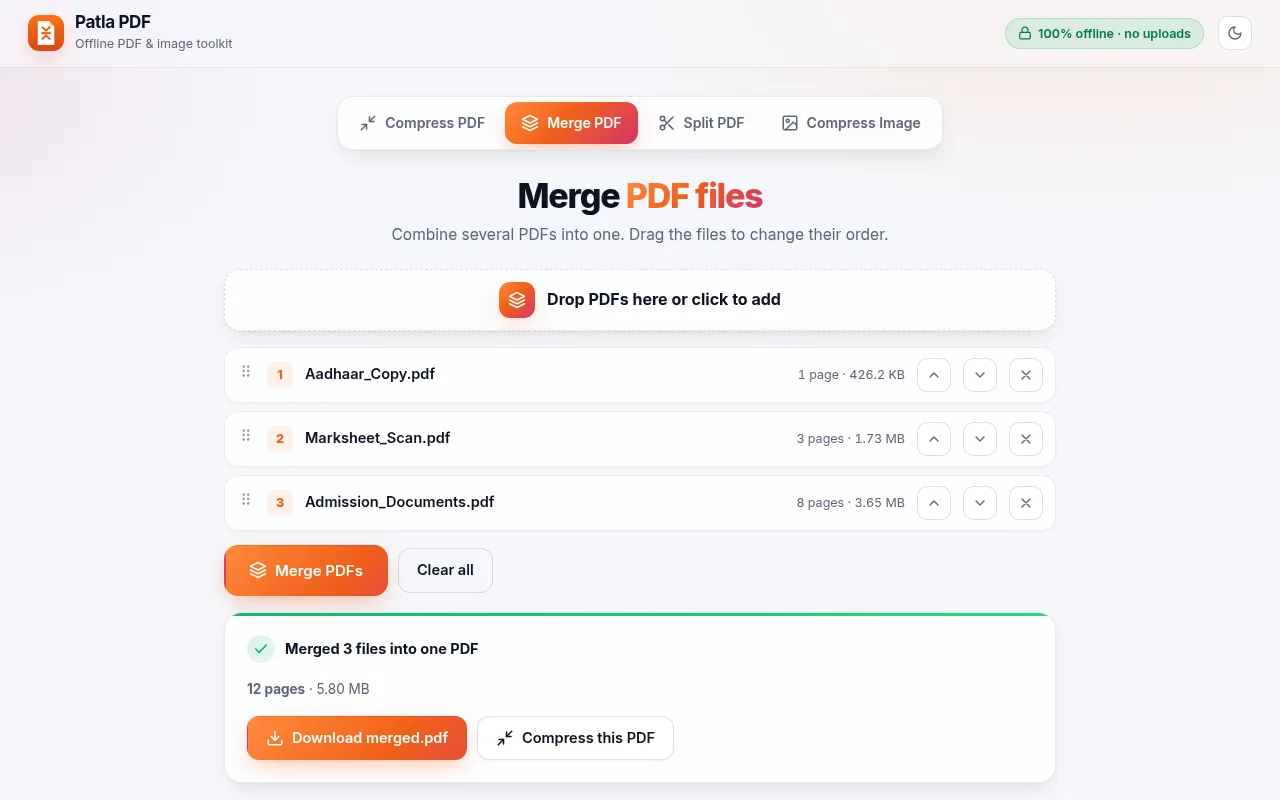
Merge PDFs
Combine marksheets, certificates and ID proofs into one PDF and reorder them before saving.
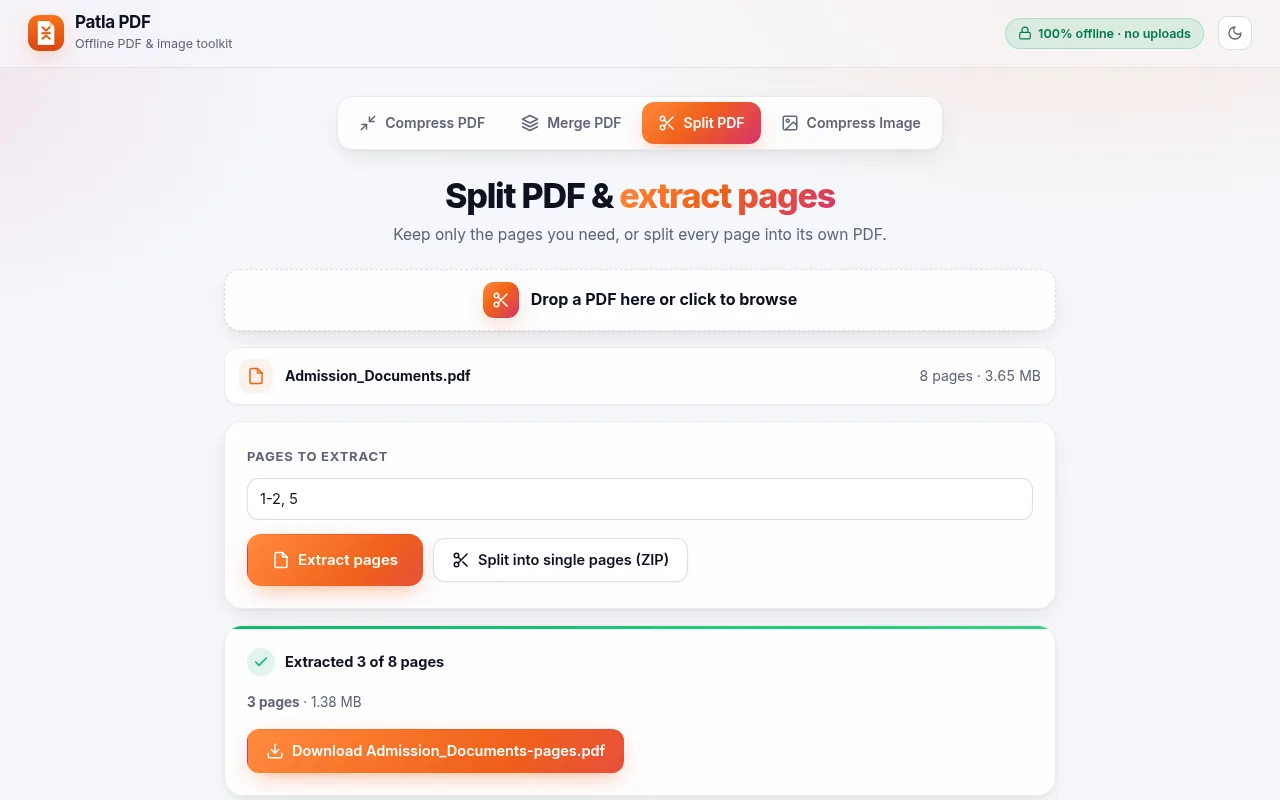
Split PDFs
Extract the pages you need (e.g. 1-3, 5) or split every page into its own file.
How it works
1. Add to Chrome
Install Patla PDF from the Chrome Web Store and pin it to the toolbar.
2. Drop your file
Open the extension and drop a PDF or photo. It is read only inside your browser.
3. Pick a size & download
Choose 100KB (or any limit), press Compress and download the result.
Frequently asked questions
Is Patla PDF really free?
Yes. All features are free with no sign-up, no watermark and no page limits.
Are my files uploaded anywhere?
No. Patla PDF processes files inside your browser using bundled libraries. It makes no network requests, so your PDFs and photos never leave your device. See the privacy policy.
Can it compress a PDF to exactly 100KB?
You pick a target such as 50KB, 100KB, 200KB or a custom number, and Patla PDF finds the best quality that fits under it. Very large or very long documents may need a slightly higher limit to stay readable.
Will the text stay selectable?
In Lossless optimize mode, yes. Hit target size mode may turn pages into images to reach small limits, so text stops being selectable but stays readable.
Does it work offline?
Yes. Once installed, it works without an internet connection.
Can it resize a photo or signature for exam forms?
Yes. The Compress Image tab has presets for an exam photo (20–50KB) and a signature (10–20KB), with optional width and height in pixels.
Guides: Compress PDF to 100KB · কীভাবে PDF 100KB করবেন · Photo to 20–50KB
Support & contact
Found a bug, a form that will not accept the file, or have an idea? Tell us — every message is read.